
Everybody got this situation where their computer dies, switch on and nothing happens, is fried?, is dead?, or turn on but in a few minutes crash and turn off.
Lets begin to diagnose what could be wrong, of course check the power is going to your computer before anything.
One thing is we should begin is to see if the led is turn on in the motherboard, most of the MB(motherboards) have a small light that will turn on when there is power, if is not that could be a few problems, either the power supply is dead or there is something wrong with the MB.
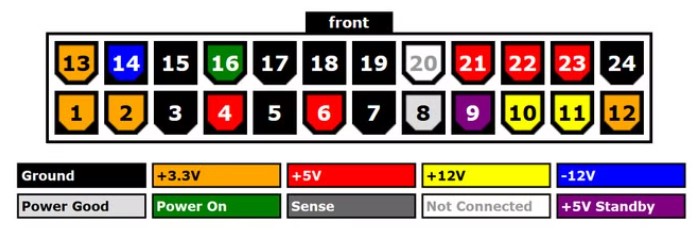
So if the power supply unit (PSU) is fault, you can test it with a multi-tester, you can check the diagram, also you can try to smell it if has burn plastic smell, some PSU have a fuse inside, if you had a power surge recently that will blow up and need to be changed, always use a good power bar with a fuse and avoid this problems.

Next, if the power supply works but the computer don’t turn on we can check different things, is your MB dusty?, good idea to clean it with can blower (those ones you find in electronic stores or even in a dollar store), then with the power off and disconnected from the main electricity outlet remove the ram sticks and the GPU, clean everything and put it back, sometimes dust and humidity can make the MB malfunction.
If you have 4 ram sticks, try to add only 2 of them in pairs, this is to check if the rams are OK, if it boots changing the ram, that means that one stick went bad.

Finally if your MB has an additional HDMI port you can try to use it, connect your monitor there and remove the GPU, if it boots that means the GPU has a problem or the power supply is not delivering enough power and can be faulty. If you can try the GPU in another computer and works will rule them out and PSU is not providing enough power to the GPU.
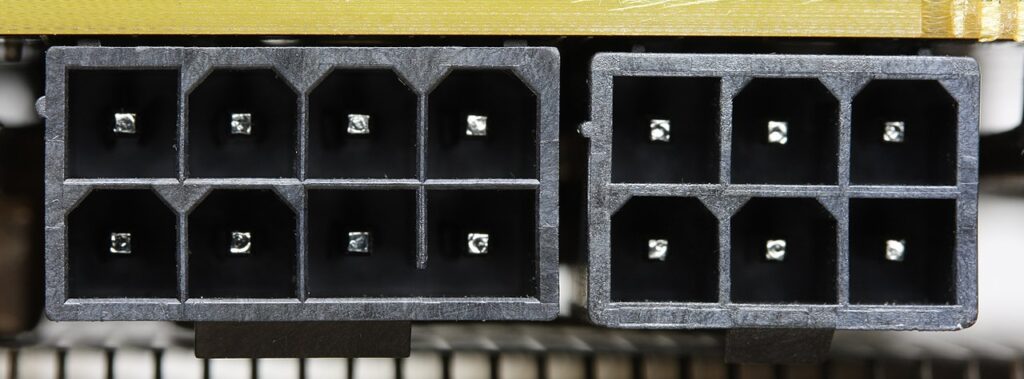
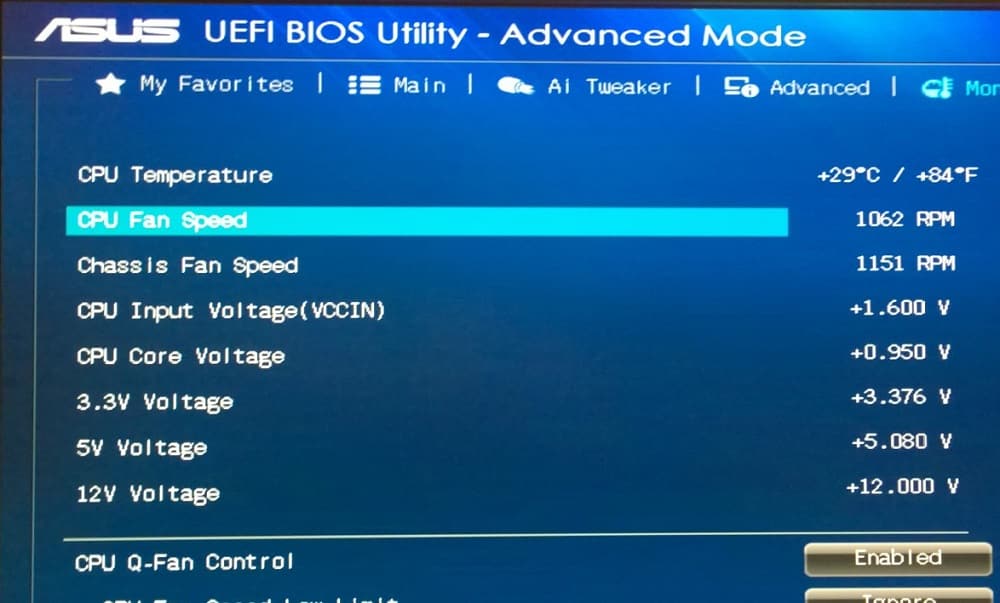
Now if the computer turns on and stays on for a while but then suddenly turns off is possible that is overheating, check the CPU fan, is spinning fast enough?, when the computer colds down a bit turn it on and go directly to the BIOS (use F2 or DEL) key as soon the screen turns on, over there usually there is a status, option where is shows the temperature of the CPU, check your manual or online, if it raises suddenly above 80c and crash is for sure the fan is bad and has to be replaced ASAP, this could lead to burn your CPU or damage the motherboard.
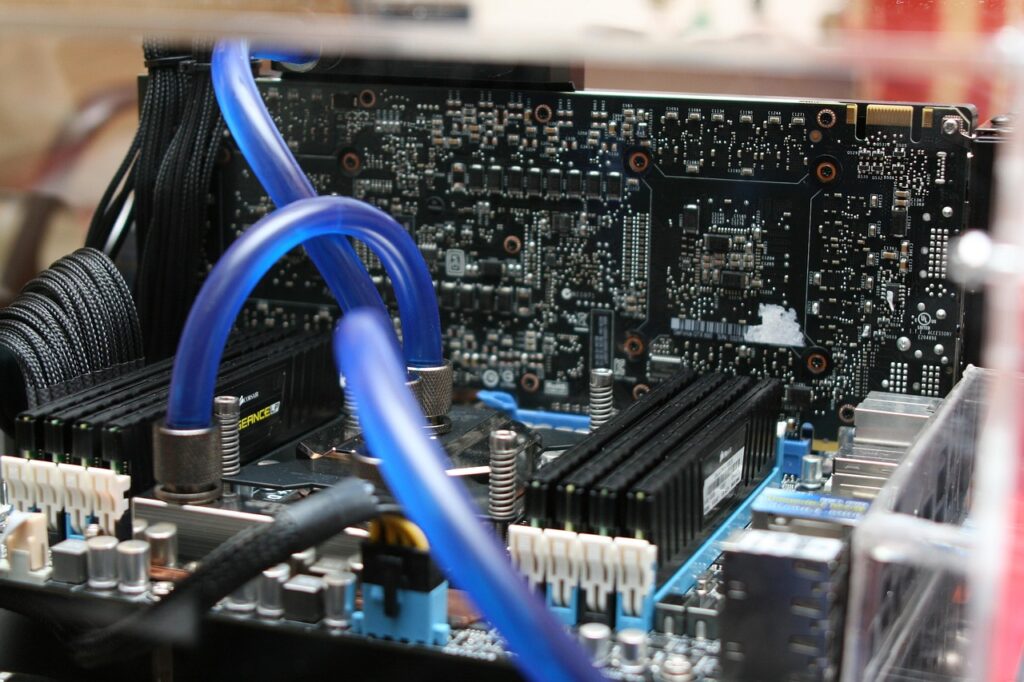
If you have a liquid coolant type, check that is working, I had some cases where there was no water inside anymore, all was evaporated and that lead to a CPU burn with time.
If it still don’t turn on and your computer is old, like +10 years, is possible that the battery in the motherboard is done, if you check there is one like those for watches, you can replace it with a new one.
Is possible that the BIOS is corrupt or has the wrong settings, happened one time to me, there is a Reset Pin, you have to check your manual of the motherboard, enable it one time, turn the computer on and wait, then turn off and remove it, next time should boot as default from factory.
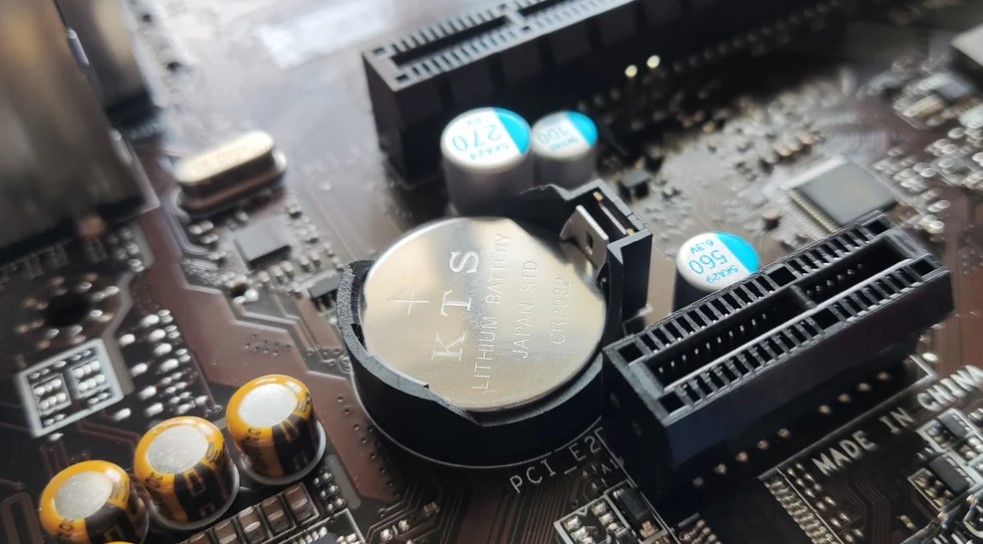
Finally you should inspect that all the cables are correctly connected, the power button is working and not damage, also take a look the components in the motherboard if you see something like burned or exploted (those fat capacitors), also if there is water damage in case you had a water cooling system.
If nothing comes is time to go to a electronic technician because is possible that the problem is more complicated and need a profesional look.

